Process Mapping 101: How to Document Your Workflows
Learn how to map your business processes step-by-step. Practical techniques, templates, and examples for documenting workflows before automation.
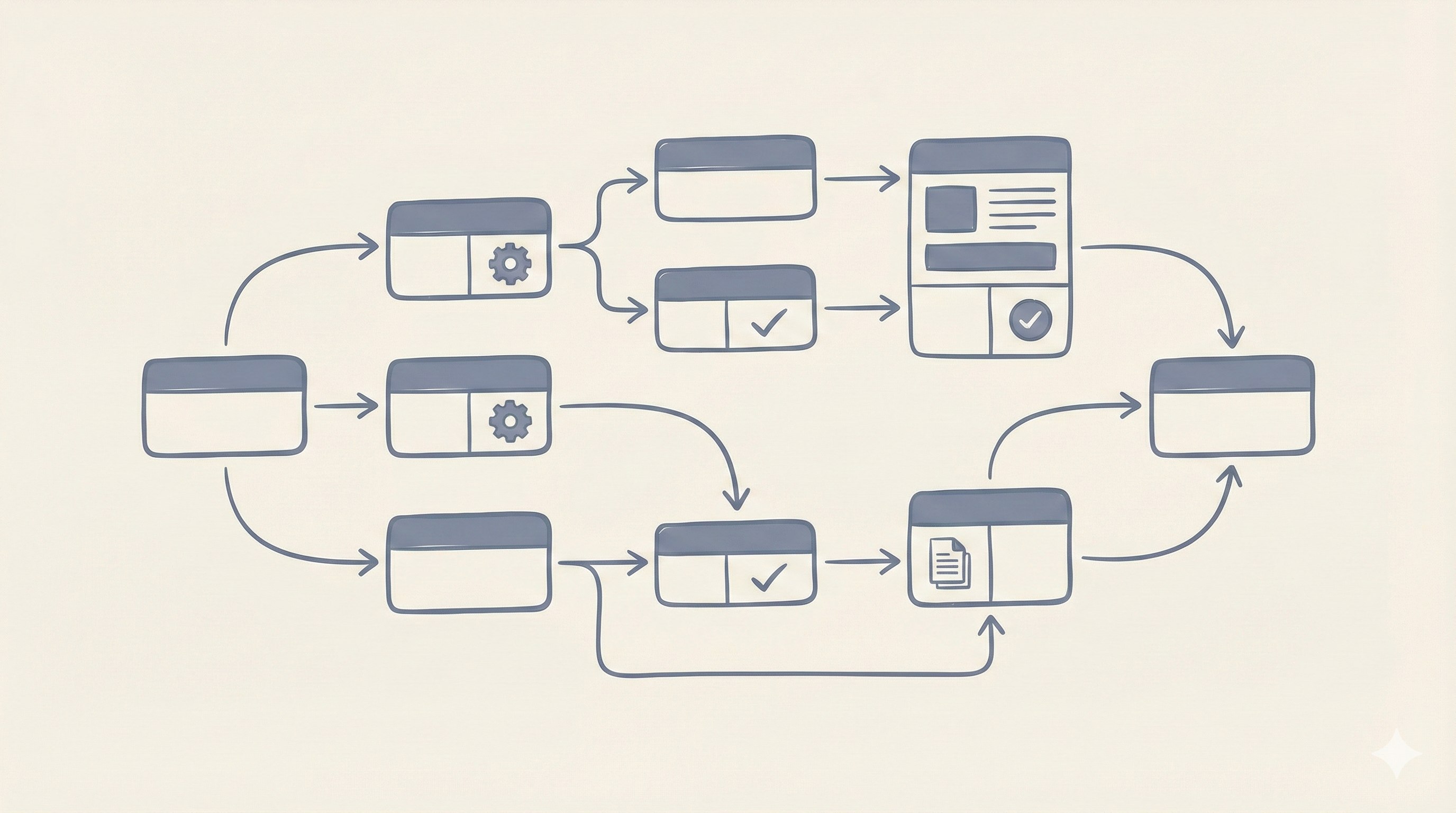
Before you can improve a process, you need to understand it. Before you can automate it, you need to document it. Before you can delegate it, you need to explain it.
Process mapping is the foundation of operational improvement.
Yet most businesses skip this step, jumping straight to solutions without understanding the problem.
According to a 2024 McKinsey operations study, companies that document processes before attempting improvement initiatives are 2.4x more likely to achieve their efficiency targets. The investment in mapping pays for itself many times over.
Here's how to document your workflows—practically, without overcomplicating it.
Why Process Mapping Matters
You Can't Improve What You Don't Understand
Most processes evolve organically. They started simple, then accumulated exceptions, workarounds, and tribal knowledge over years. The person doing the work often can't articulate exactly what they do—it's automatic.
Process mapping forces clarity:
- Hidden steps become visible
- Assumptions get questioned
- Inefficiencies become obvious
- Dependencies are documented
Different People Describe the Same Process Differently
One of the most common discoveries during process mapping: ask three people how something works, get three different answers.
This reveals:
- Inconsistent execution (different people do it differently)
- Knowledge gaps (some steps only some people know)
- Training deficiencies (new people learn incomplete versions)
- Documentation needs (nothing is written down)
Automation Requires Specification
If you can't document a process precisely, you can't automate it. Software needs explicit rules. "Use your judgment" doesn't translate to code.
Process mapping produces the specification that automation requires—whether you're configuring off-the-shelf software or building custom systems.
The Basic Elements of a Process Map
Every process map includes these core elements:
1. Start and End Points
Every process has a trigger (what starts it) and an outcome (what it produces).
Examples:
- Start: Customer submits order → End: Order shipped
- Start: Invoice received → End: Payment processed
- Start: Lead fills form → End: Qualified lead assigned to sales
Common mistake: Unclear start/end points. "Order processing" is not a process—it's a category. Get specific.
2. Steps (Activities)
The individual actions that transform inputs to outputs. Each step should be:
- Observable: Someone watching could see it happen
- Assignable: One person or role is responsible
- Completable: It has a clear definition of "done"
Bad step: "Handle the order"
Good steps: "Verify inventory availability" → "Enter order in system" → "Generate pick list"
3. Decision Points
Where the process branches based on conditions.
Format: Yes/No question
- "Is inventory available?" → Yes: Continue / No: Backorder process
- "Order over €1,000?" → Yes: Manager approval / No: Auto-approve
Common mistake: Hiding decisions inside steps. If something requires judgment, it's a decision point—make it visible.
4. Roles
Who performs each step? Use roles, not names:
- "Warehouse staff" not "Juan"
- "Sales manager" not "Maria"
- "System" for automated steps
Why roles matter: Processes survive personnel changes when documented by role. "What Maria does" becomes a problem when Maria leaves.
5. Handoffs
Where work passes from one person/team to another. Handoffs are where processes typically break down.
Document:
- Who passes to whom
- What information transfers
- How the handoff is communicated
- What triggers the next person to act
Three Process Mapping Techniques
Technique 1: Simple Flowchart
Best for straightforward processes with limited branching.
Format:
- Rectangles = Steps
- Diamonds = Decisions
- Arrows = Flow direction
- Ovals = Start/End
When to use:
- Processes with < 15 steps
- Single role involved
- Limited decision points
Technique 2: Swim Lane Diagram
Best for cross-functional processes involving multiple roles.
Format:
- Horizontal lanes for each role/department
- Steps placed in the lane of who performs them
- Arrows cross lanes to show handoffs
When to use:
- Multiple roles involved
- Handoff clarity is important
- Accountability needs to be clear
Technique 3: SIPOC
Best for high-level process overview before detailed mapping.
Format: Table with five columns
- Suppliers: Who provides inputs
- Inputs: What is needed to start
- Process: High-level steps (5-7 max)
- Outputs: What is produced
- Customers: Who receives outputs
When to use:
- Initial scoping before detailed mapping
- Executive communication
- Identifying process boundaries
How to Conduct a Process Mapping Session
Step 1: Identify the Right People
You need:
- The people who do the work (they know the reality)
- A supervisor (they know the intended process)
- Someone from before/after (they know the handoffs)
Important: The people who do the work often know different processes than management thinks exist. Both perspectives matter.
Step 2: Set the Scope
Define clearly:
- What triggers this process? (Start)
- What does completion look like? (End)
- What's included? What's excluded?
Step 3: Walk Through the Happy Path First
Map the ideal scenario where everything goes right:
- Standard order
- Available inventory
- No exceptions
Why: This establishes the baseline before complexity.
Step 4: Add the Exceptions
Now ask: "What can go wrong? What variations exist?"
This is where reality diverges from theory. Often, 20% of orders follow the happy path; 80% hit some exception.
Step 5: Validate and Refine
Review the map with people who weren't in the session:
- Does this match how you do it?
- What's missing?
- What's different in your experience?
Common Problems Revealed by Process Mapping
Problem 1: The Black Hole
Steps where things go in but visibility disappears. "Then Maria handles it" with no detail on what Maria does.
Problem 2: The Ping-Pong
Excessive back-and-forth between people/teams. Work bouncing between roles multiple times.
Problem 3: The Bottleneck Person
One person or role appears in too many steps. Multiple swim lanes but one person does 60% of steps.
Problem 4: The Unnecessary Approval
Decision points that always go one way. "Manager approval" step that's approved 99% of the time.
Problem 5: The Invisible Workaround
Unofficial steps people do because the official process doesn't work. "Oh, we also do this because otherwise..."
Tools for Process Mapping
Low-Tech (Often Best for First Draft)
- Whiteboard + sticky notes: Moveable, collaborative, visible
- Paper and markers: Fast, no software learning curve
- Spreadsheet: Simple, shareable, version-controlled
Digital Tools
- Lucidchart: Industry standard, collaborative, templates included
- Miro: Great for collaborative sessions, flexible format
- Microsoft Visio: Enterprise standard, integrates with Office
- Draw.io: Free, capable, no account required
Recommendation: Start on whiteboard or paper. Move to digital only when you need to share, version, or formalize.
From Map to Action
A process map is not the end goal—it's the foundation for improvement.
Next Steps After Mapping:
- Identify waste: Steps that don't add value
- Find bottlenecks: Where work queues up
- Spot automation candidates: Repetitive, rule-based steps
- Clarify ownership: Who is accountable for outcomes
- Create documentation: Training materials, SOPs
- Design improvements: Before building anything
The Automation Connection
Process maps translate directly to automation specifications:
- Steps → Features to build
- Decisions → Business rules to encode
- Handoffs → Notifications and assignments
- Exceptions → Error handling requirements
Without a process map, automation projects guess at requirements. With one, they execute against clear specifications.
Key Takeaways
- Process mapping is essential before improvement or automation—don't skip it
- Different people often describe the same process differently—this reveals inconsistencies
- Start simple: flowcharts for basic processes, swim lanes for cross-functional
- Map the happy path first, then add exceptions
- Common problems (bottlenecks, ping-pong, workarounds) become obvious once mapped
- Process maps become automation specifications—they're not just documentation
Next Steps
Need help mapping your processes or turning maps into action? We combine operational expertise with technology implementation—starting with understanding how your business actually works.
Ready to document your workflows?
Let's map your processes and identify automation opportunities.
About Alcara Tech
We build custom operations technology for businesses that have outgrown spreadsheets but aren't ready for enterprise software. Real systems that work the way your business works—starting with understanding how your business actually works.