WhatsApp Business API: The Complete Guide for European Companies
Everything you need to know about WhatsApp Business API in Europe. Setup, costs, use cases, and GDPR compliance explained.
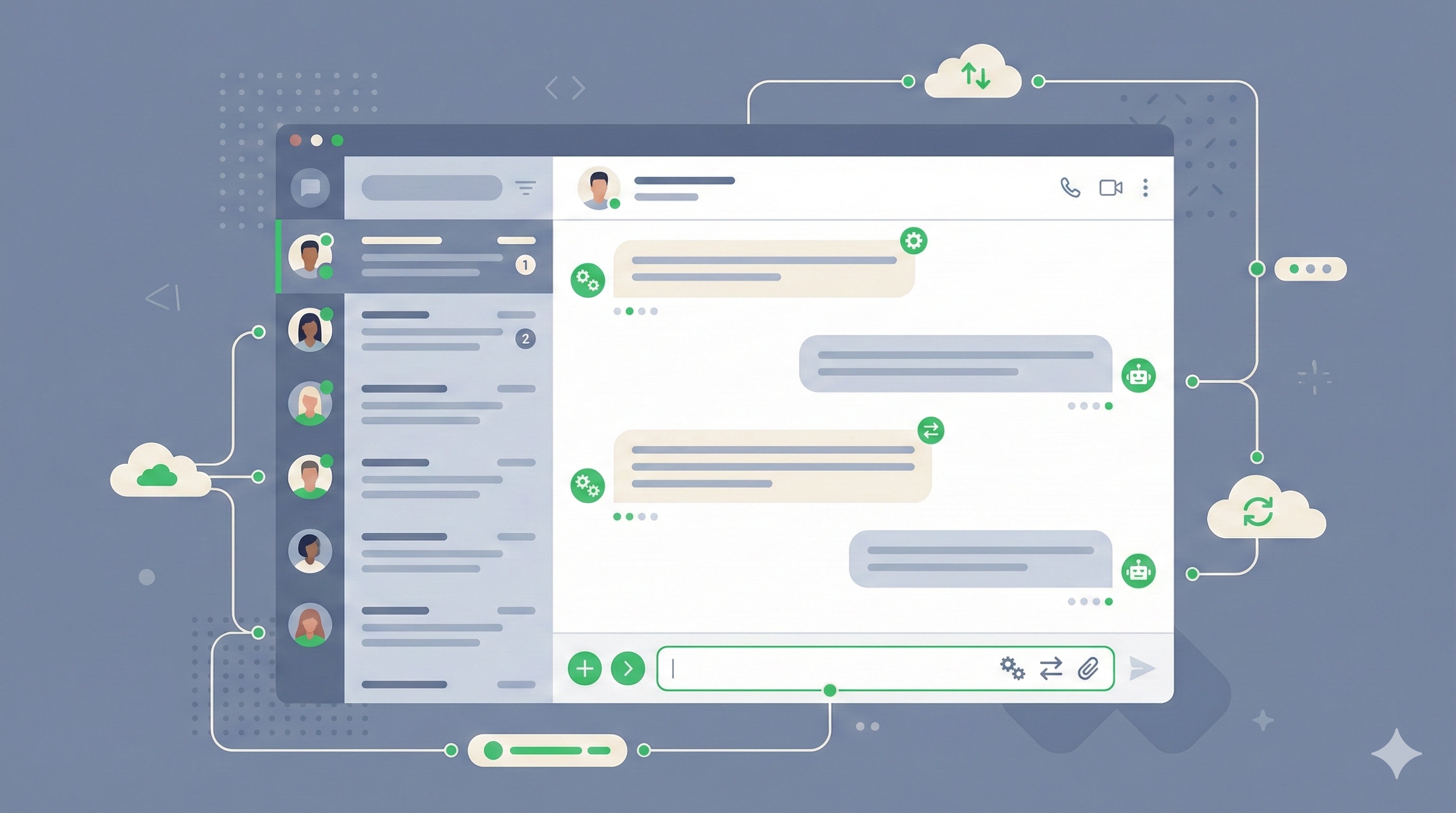
WhatsApp has 2 billion active users globally. In Spain, over 90% of smartphone users have WhatsApp installed, and it's the primary communication channel for personal and increasingly business interactions.
Yet most businesses are still using the basic WhatsApp Business app — or worse, personal WhatsApp accounts — missing the automation, integration, and scale that the WhatsApp Business API enables.
This guide explains everything European companies need to know about WhatsApp Business API: what it is, what it costs, how to implement it, and how to ensure GDPR compliance.
WhatsApp Business: Three Levels
Level 1: Personal WhatsApp (Not Recommended for Business)
- • Consumer product
- • No business features
- • Violates WhatsApp Terms of Service for commercial use
- • No separation from personal messages
Level 2: WhatsApp Business App (Free)
- • Basic business features (profile, catalog, quick replies)
- • Single device (plus WhatsApp Web)
- • Manual messaging only
- • Suitable for: Solo practitioners, very small businesses
Level 3: WhatsApp Business API (Enterprise)
- • Multiple agents on same number
- • Automation and chatbot capability
- • CRM and system integration
- • Analytics and reporting
- • GDPR-compliant data handling
- • Suitable for: Growing businesses, teams, automation needs
This guide focuses on Level 3: The API.
Why the API Changes Everything
The WhatsApp Business API isn't just "business WhatsApp but bigger." It's a fundamentally different product:
| Feature | Business App | Business API |
|---|---|---|
| Users per number | 1 | Unlimited |
| Automation | None | Full chatbot capability |
| CRM integration | None | Native integrations |
| Broadcast limits | 256 contacts | Thousands |
| Analytics | Basic | Detailed |
| Template messages | Limited | Full access |
| Price | Free | Per-conversation pricing |
The key insight: The API turns WhatsApp from a communication tool into a customer engagement platform.
Use Cases Across Industries
Customer Service
- • Instant responses to common questions (via chatbot)
- • Human handoff for complex issues
- • Conversation history and context preserved
- • 98% open rate vs. 20% for email
Appointment Management
- • Automated reminders (reduce no-shows by 30-50%)
- • Easy rescheduling via chat
- • Confirmation requests
- • Waiting list notifications
Order Updates
- • Shipping notifications
- • Delivery confirmations
- • Order status queries
- • Return processing
Sales and Lead Nurturing
- • Product recommendations
- • Quote follow-ups
- • Abandoned cart recovery
- • Promotional campaigns (opt-in)
Internal Operations
- • Team notifications and alerts
- • Approval workflows
- • Shift scheduling
- • Daily reports and summaries
The Economics of WhatsApp Business API
Pricing Model
Meta (WhatsApp's parent company) charges per "conversation" — a 24-hour messaging window:
Conversation types:
- • Marketing: Business-initiated promotional messages (highest cost)
- • Utility: Transaction-related messages (order confirmations, etc.)
- • Authentication: OTPs and verification codes
- • Service: Responses to customer-initiated conversations (lowest cost)
| Type | Spain (approximate) |
|---|---|
| Marketing | €0.06-0.08 per conversation |
| Utility | €0.03-0.04 per conversation |
| Authentication | €0.02-0.03 per conversation |
| Service | €0.02-0.03 per conversation |
Example monthly cost:
- • 1,000 customer service conversations: €25
- • 500 appointment reminders (utility): €17
- • 200 marketing messages: €14
- Total: ~€56/month in Meta fees
Additional Costs
Beyond Meta's fees, you'll need:
- 1. Business Solution Provider (BSP): Platform to manage API access
- • Range: €50-500/month depending on features
- • Examples: Twilio, MessageBird, 360dialog
- 2. Implementation: Setup and integration
- • Range: €5,000-30,000 depending on complexity
- 3. Ongoing maintenance: Updates, new features
- • Range: €0-500/month depending on arrangement
ROI Analysis
Typical ROI drivers:
- • Reduced no-shows (scheduling businesses): 30-50% improvement
- • Faster customer response: Hours → Minutes
- • Reduced phone call volume: 20-40% shift to chat
- • Improved conversion rates: 10-30% uplift on engaged leads
A fitness chain with 10 locations implemented WhatsApp reminders and reduced no-shows from 15% to 6% — recovering €180,000 annually in appointment value.
GDPR Compliance Essentials
Operating in Europe requires careful attention to data protection:
Legal Basis for Processing
You need legitimate legal basis to message customers:
- • Consent: Explicit opt-in for marketing messages
- • Contract: Transactional messages related to services provided
- • Legitimate interest: Carefully considered, documented, and balanced
Required Elements
- • Clear privacy policy covering WhatsApp data processing
- • Explicit opt-in mechanism (not pre-checked boxes)
- • Easy opt-out process (must be honored immediately)
- • Data retention policies
- • Cross-border data transfer documentation (Meta is US-based)
Practical Implementation
- • Store consent records with timestamp and method
- • Provide opt-out option in every message
- • Process opt-outs within 24 hours
- • Regular audit of consent database
- • Document your data processing activities
Important:
Meta provides a Data Processing Addendum that covers their role as a data processor. Review with your legal counsel.
Implementation Steps
Step 1: Choose Your Approach (Week 1)
Option A: Business Solution Provider (BSP)
- • Faster setup
- • Pre-built integrations
- • Higher ongoing costs
- • Less customization
Option B: Direct API Access (via BSP)
- • More control
- • Lower per-message costs
- • Requires development resources
- • Full customization possible
Step 2: Business Verification (Week 2-3)
Meta requires business verification:
- • Register your business on Meta Business Manager
- • Provide business documentation
- • Complete verification process (takes 1-2 weeks typically)
Step 3: Number Setup (Week 3-4)
- • Decide: new number or migrate existing number
- • Configure number in WhatsApp Business Manager
- • Set up display name and profile
Step 4: Template Approval (Week 4-5)
Pre-approved message templates required for business-initiated messages:
- • Submit templates for review
- • Meta reviews within 24-48 hours
- • Iterate on rejected templates
Step 5: Integration and Testing (Week 5-8)
- • Connect to your CRM/systems
- • Build automation workflows
- • Test thoroughly before launch
- • Train team on new tools
Step 6: Launch and Optimize (Ongoing)
- • Monitor conversation volumes and costs
- • Analyze chatbot performance
- • Iterate on templates and flows
- • Expand use cases
Common Implementation Mistakes
- 1. Skipping strategy: Implementing technology before defining use cases
- 2. Over-automating: Chatbots that frustrate rather than help
- 3. Ignoring compliance: GDPR violations carry severe penalties
- 4. Under-investing in content: Poor message templates hurt engagement
- 5. No escalation path: Trapped customers with no human access
Key Takeaways
- • WhatsApp Business API enables automation, integration, and scale
- • Per-conversation pricing makes it cost-effective for most use cases
- • GDPR compliance requires explicit consent and clear processes
- • Implementation typically takes 6-8 weeks end-to-end
- • ROI often pays back implementation cost within 6-12 months
Ready to Implement WhatsApp Business API?
We specialize in WhatsApp integration for European businesses, including full GDPR compliance.
About Alcara Tech
We build custom operations technology for businesses that have outgrown spreadsheets but aren't ready for enterprise software. From WhatsApp automation to complete workflow systems, we create solutions that actually work.